本文档演示如何在 astro-minimax 的 Markdown 文件中使用 LaTeX 公式。LaTeX 是一种强大的排版系统,常用于数学和科学文档。
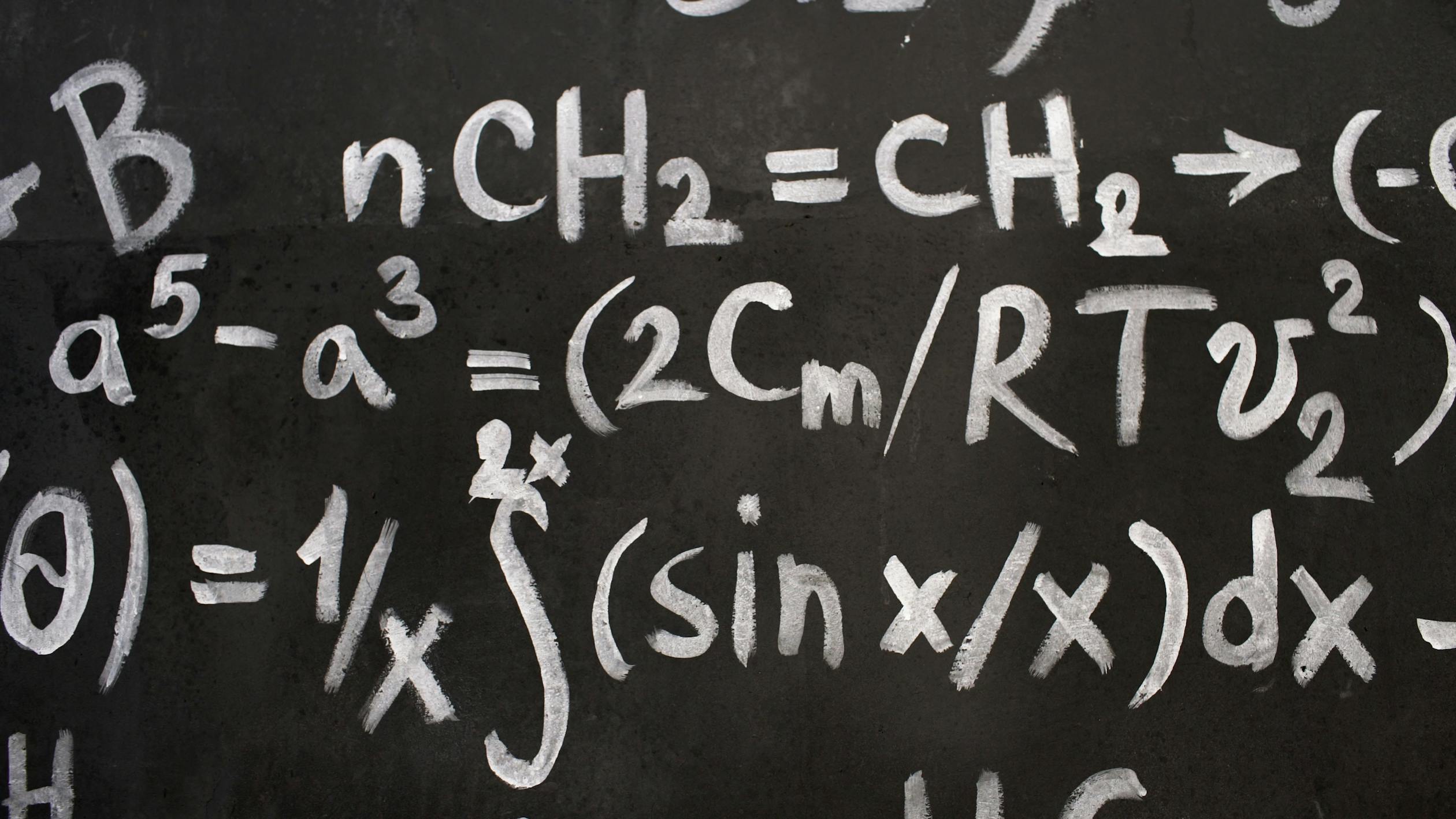
说明
在本节中,你将找到如何在 astro-minimax 的 Markdown 文件中添加 LaTeX 支持的说明。
-
运行以下命令安装必要的 remark 和 rehype 插件:
bashpnpm install rehype-katex remark-math katex -
更新 Astro 配置以使用这些插件:
ts// ... import remarkMath from "remark-math"; import rehypeKatex from "rehype-katex";
export default defineConfig({ // … markdown: { remarkPlugins: [ remarkMath, // [!code ++] ], rehypePlugins: [rehypeKatex], // [!code ++] shikiConfig: { // For more themes, visit https://shiki.style/themes themes: { light: “min-light”, dark: “night-owl” }, wrap: false, }, }, // … });
3. 在主布局文件中导入 KaTeX CSS

```astro file=src/layouts/Layout.astro
---
import { SITE } from "@config";

// astro code
---

<!doctype html>
<!-- Other elements  -->
<meta property="og:image" content={socialImageURL} />

<link
  rel="stylesheet"
  href="https://cdn.jsdelivr.net/npm/katex@0.15.2/dist/katex.min.css"
/>

<body>
  <slot />
</body>-
最后一步,在
typography.css中为katex添加文本颜色。
css@plugin "@tailwindcss/typography"; @layer base { /* other classes */ /* Katex text color */ .prose .katex-display { @apply text-foreground; } /* ===== Code Blocks & Syntax Highlighting ===== */ /* other classes */ }
完成!这个设置允许你在 Markdown 文件中编写 LaTeX 公式,在网站构建时会正确渲染。完成这些步骤后,本文档的其余部分将正确显示。
行内公式
行内公式写在单美元符号 $...$ 之间。以下是一些示例:
- 著名的质能方程:
$E = mc^2$ - 二次方程求根公式:
$x = \frac{-b \pm \sqrt{b^2 - 4ac}}{2a}$ - 欧拉恒等式:
$e^{i\pi} + 1 = 0$
块级公式
对于更复杂的公式,或者当你想让公式单独显示在一行时,使用双美元符号 $$...$$:
高斯积分:
$$ \int_{-\infty}^{\infty} e^{-x^2} dx = \sqrt{\pi} $$黎曼 zeta 函数的定义:
$$ \zeta(s) = \sum_{n=1}^{\infty} \frac{1}{n^s} $$麦克斯韦方程组的微分形式:
$$
\begin{aligned}
\nabla \cdot \mathbf{E} &= \frac{\rho}{\varepsilon_0} \\
\nabla \cdot \mathbf{B} &= 0 \\
\nabla \times \mathbf{E} &= -\frac{\partial \mathbf{B}}{\partial t} \\
\nabla \times \mathbf{B} &= \mu_0\left(\mathbf{J} + \varepsilon_0 \frac{\partial \mathbf{E}}{\partial t}\right)
\end{aligned}
$$使用数学符号
LaTeX 提供了丰富的数学符号:
- 希腊字母:
$\alpha$、$\beta$、$\gamma$、$\delta$、$\epsilon$、$\pi$ - 运算符:
$\sum$、$\prod$、$\int$、$\partial$、$\nabla$ - 关系符号:
$\leq$、$\geq$、$\approx$、$\sim$、$\propto$ - 逻辑符号:
$\forall$、$\exists$、$\neg$、$\wedge$、$\vee$
评论区
文明评论,共建和谐社区